PROJECT 01
A story from scratch
Plan a beginning, middle, and end, then stage each moment one page at a time.

Write it. Cast it. Bind it.
Book Builder turns pictures, characters, and words into a real page-by-page book. Start with the included art, add your own, and keep building until the story is ready to read.
01 / MAKE
Choose a background and cast it with characters from the built-in library.
02 / MAKE
Add titles, captions, and speech or thought bubbles. Then make another page.
03 / MAKE
Read it on screen—or, with Full Unlock, share a PDF and print a copy at home.

Free to start. An optional one-time Full Unlock opens unlimited books, custom photos, PDF sharing, and home printing.
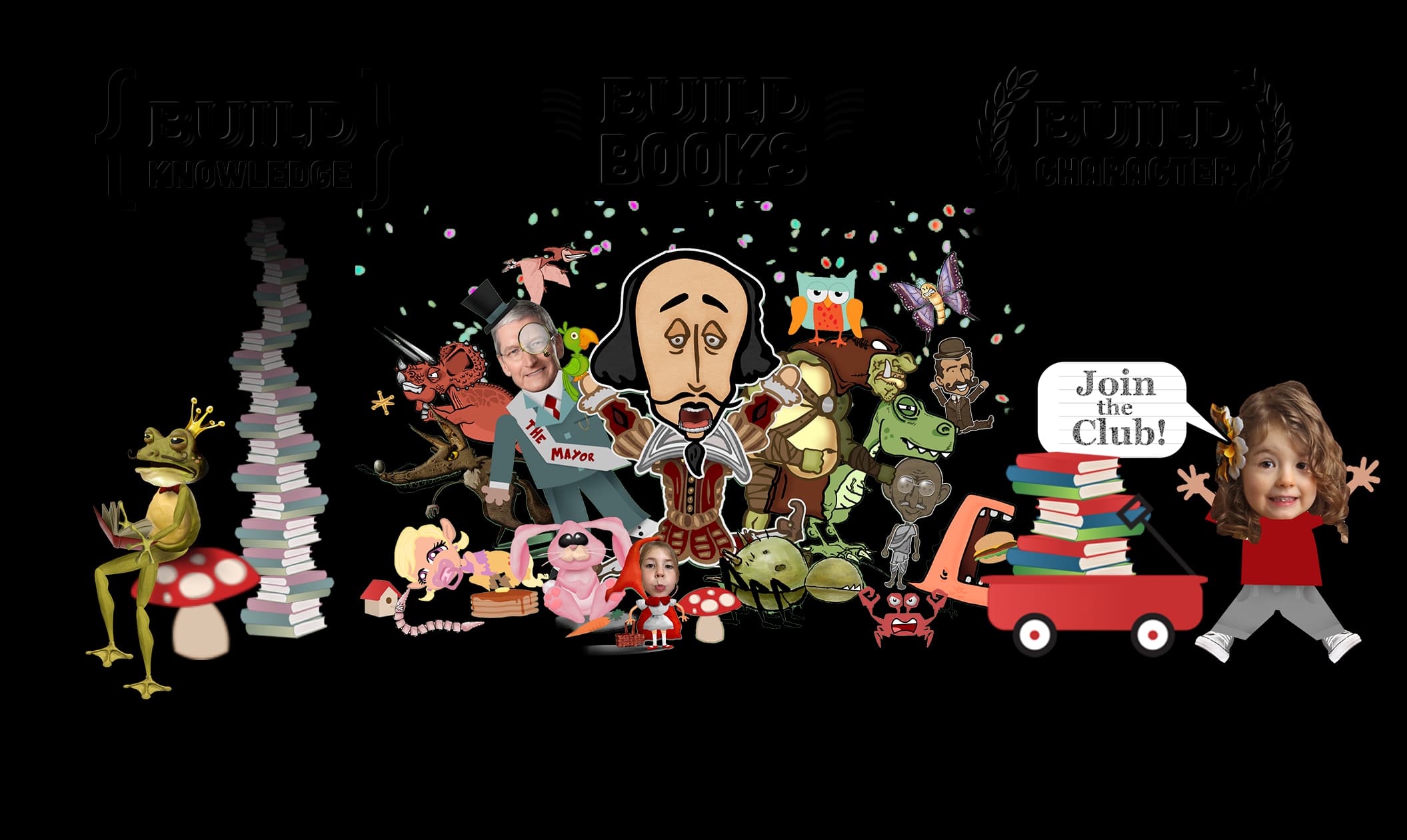
The cast shelf
Characters and settings can be remixed across subjects and stories. Full Unlock also lets you bring personal photos into the page.
Inside the editor
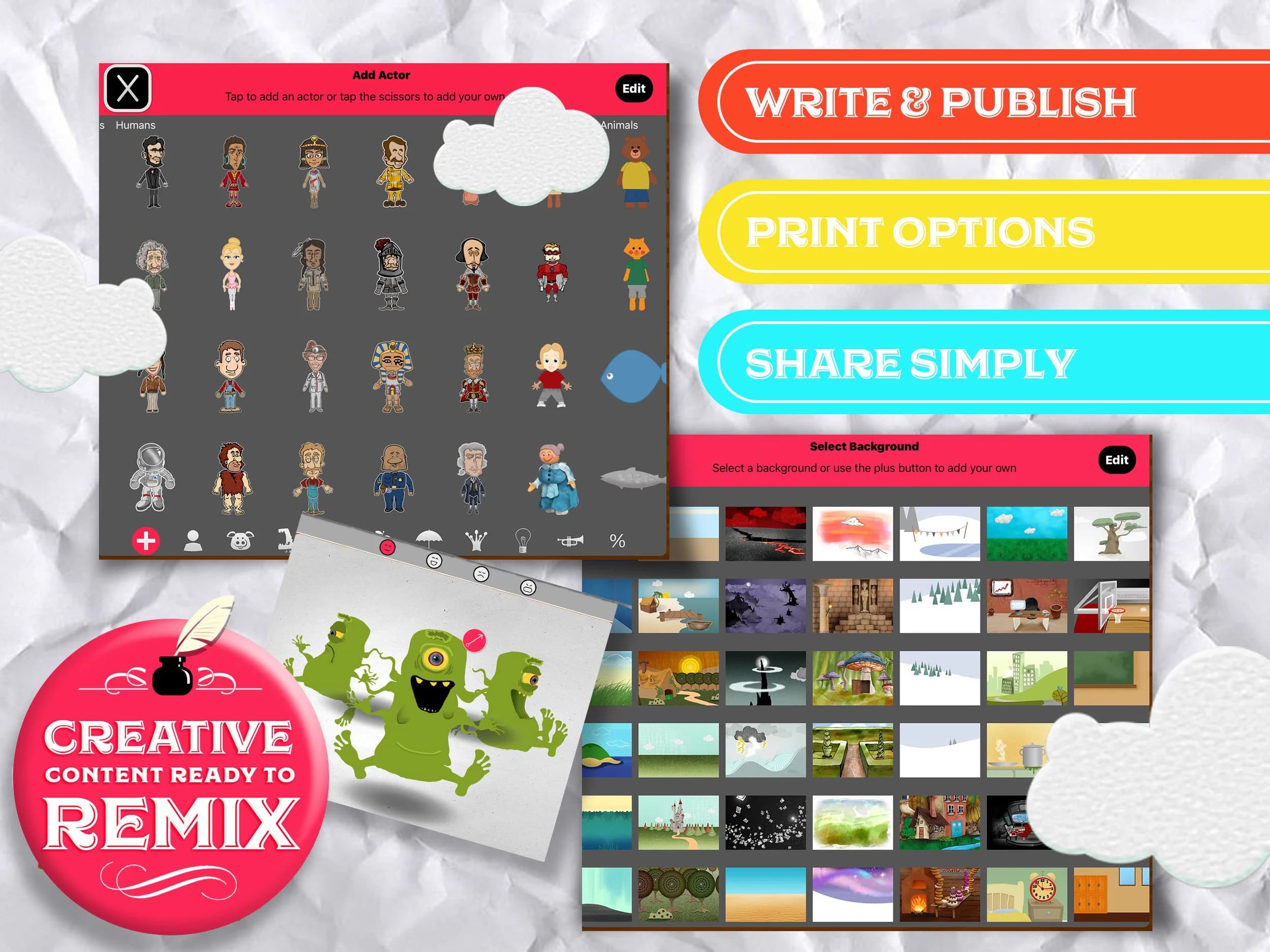
Choose from the built-in collection and arrange the scene visually.
Use titles, plain text, speech bubbles, and thought bubbles to shape the reading experience.
With Full Unlock, export the finished book as a PDF or print it at home.
The app is deliberately open-ended. A clear prompt gives the creative tools somewhere useful to go.
PROJECT 01
Plan a beginning, middle, and end, then stage each moment one page at a time.
PROJECT 02
Turn a science process, how-to, or researched topic into a visual sequence.
PROJECT 03
Rewrite a familiar tale from another character’s point of view or take the plot somewhere new.
PROJECT 04
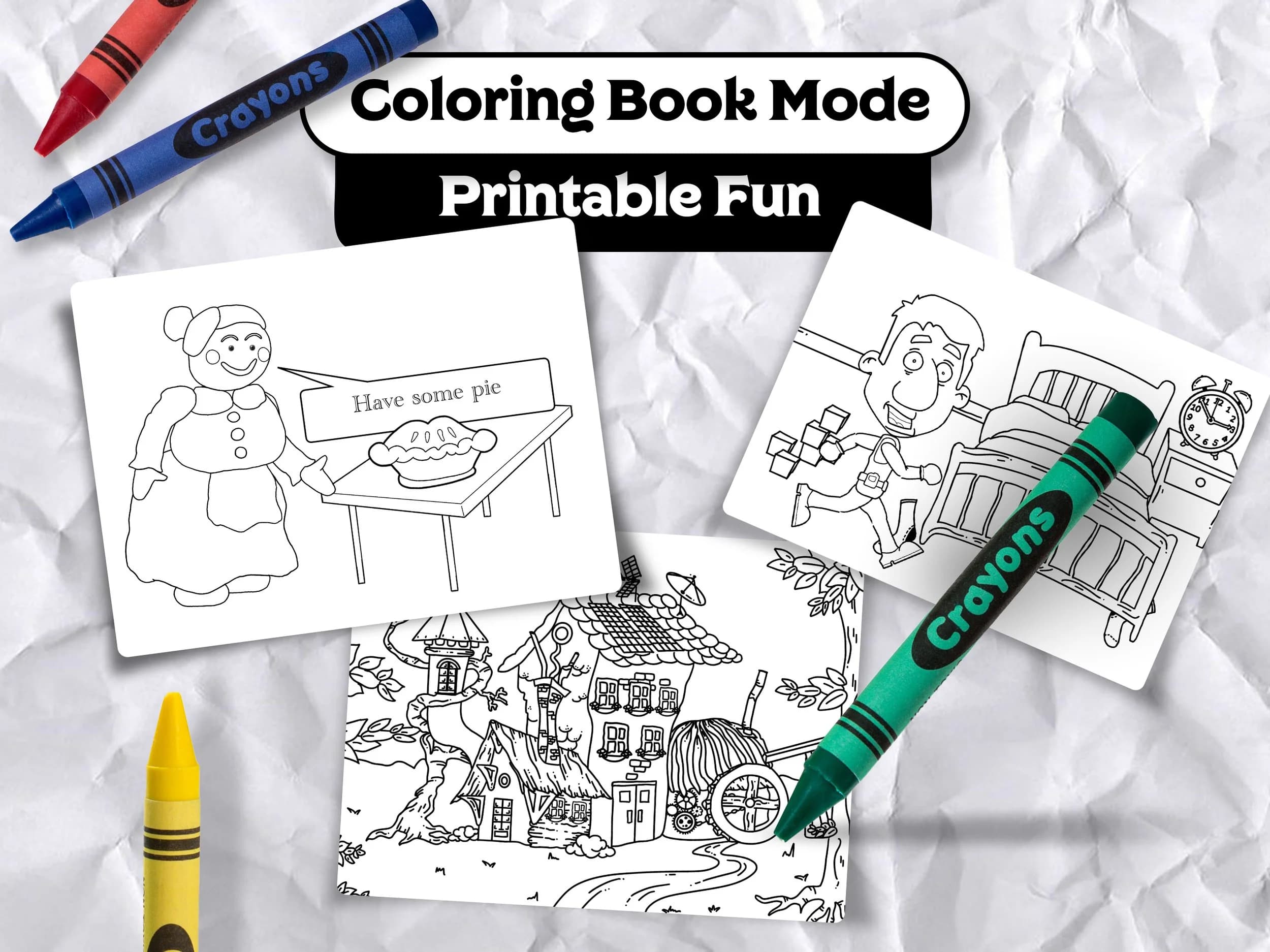
Switch finished pages to line art and print them for an off-screen follow-up.
One more draft
Coloring Book Mode removes the color from a book’s artwork, making an easy print-and-color extension for home or class.
The next page is yours