Edit longer projects in iMovie
Record separate scenes in Puppet Pals 2, export the clips, then arrange and trim them in iMovie.

Lights. Camera. Your turn.
Choose the actors, set the scene, and record. Characters walk, pose, ride in vehicles, and move their mouths along with your voice.
01 / CAST
Included characters or your own photos
02 / PERFORM
Move, pose, talk, and improvise
03 / PLAY BACK
Save the movie or share the performance
 For iPad and iPhone
The toy box
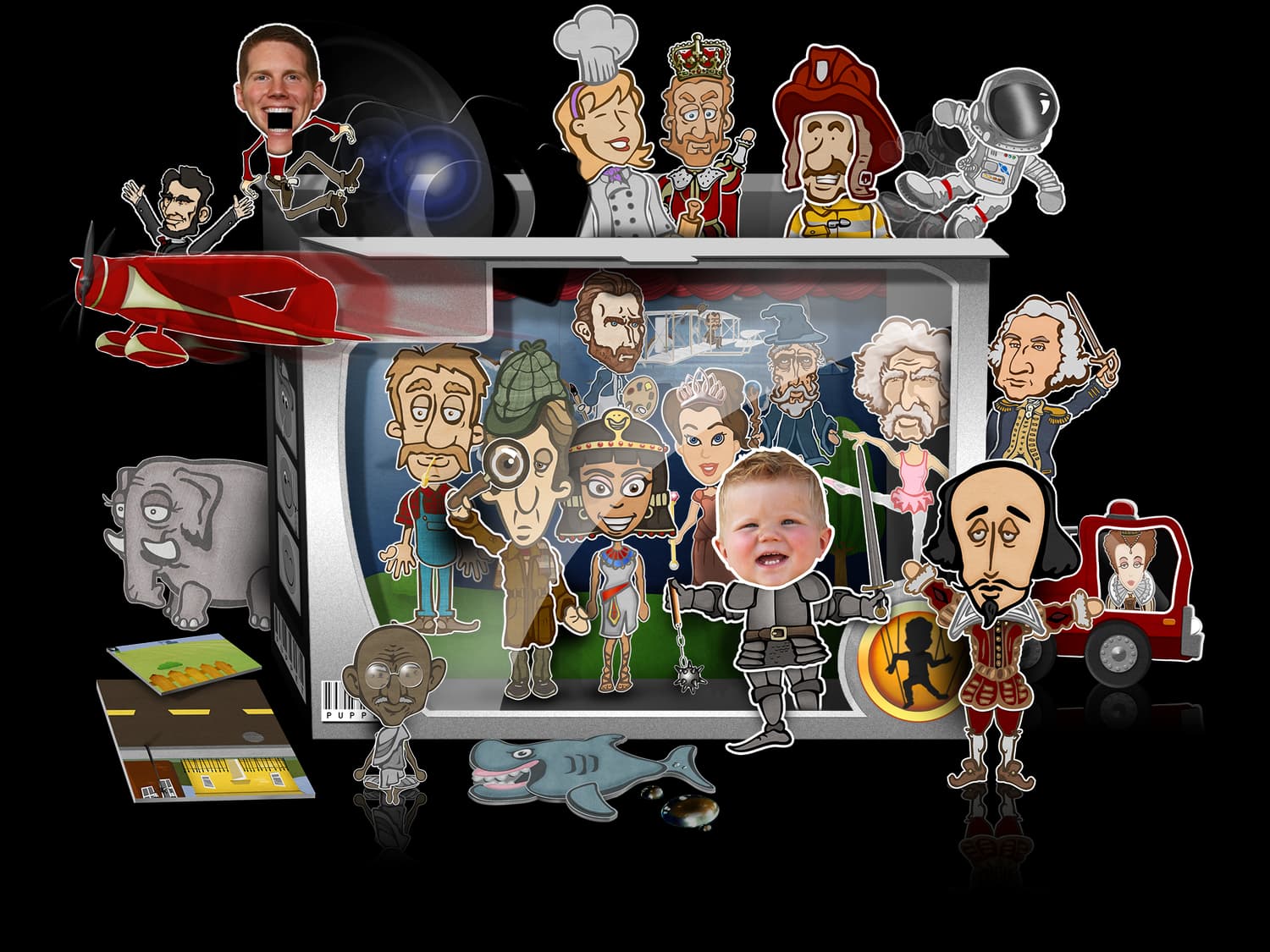
Mix characters, props, vehicles, and settings that were never meant to meet. That collision is where the best stories tend to start.
Parents & teachers
Puppet Pals 2 works especially well when students need to explain an idea out loud. A book report becomes a scene. A history lesson becomes an interview. Language practice becomes a conversation.
The app is deliberately open-ended. These are the few things that make a classroom session run more smoothly.
Run through the tutorial on the main screen before building it into a lesson.
A quiet corner helps. If you use the device microphone, keep it uncovered and ask performers to speak up.
Plan the shots and dialogue first. A simple beginning, middle, and end is enough.
Use the included characters or create new ones from your own photos.
A quick check-in helps students settle on an idea and decide who does what.
A time limit, required topic, or set number of scenes keeps the project focused.

Notes from the editing room
Record separate scenes in Puppet Pals 2, export the clips, then arrange and trim them in iMovie.
Make a puppet from a photo when the included cast does not have the person—or creature—you need.
An image that is already cut out can be added from the photo library without tracing around it again.
Starting a new recording before saving will replace the show you just made.
The stage is ready